
See Your Garage Floor Coating Before You Choose
Upload a photo of your garage and preview popular coating colors and decorative flake blends before requesting your estimate.
Upload Your Photo
Take a photo of your garage floor, interior room, or exterior — then upload it. The clearer and less cluttered the photo, the better your results.
How It Works
Preview Your Coat Goat Floor Before We Install It
Customize your garage floor color, flake style, and finish — then preview how it could look before we show up with the coating truck.
Upload a photo
Your garage, room, or exterior
Choose your color
Base coat + flake blend
Generate preview
AI applies your selections
Request estimate
Send your look to Coat Goat
Upload Your Space
Take a photo or upload an image of the area you want to transform
Poly Flake & Solid Blends
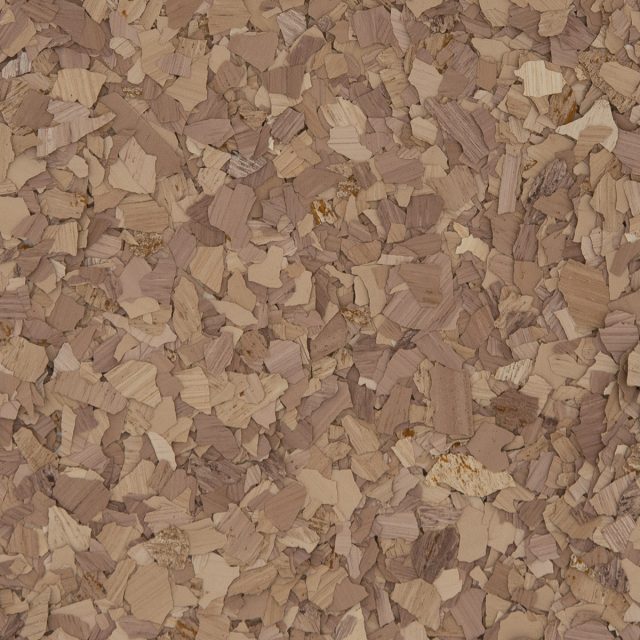
Feldspar
Flake Blend
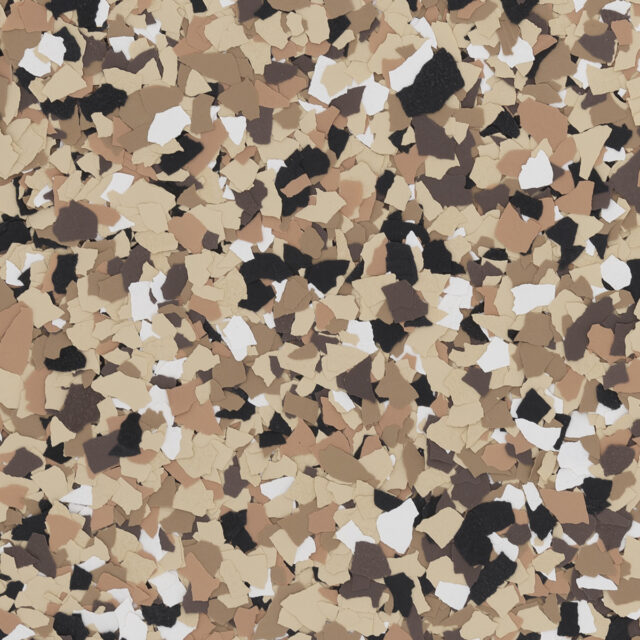
Outback
Flake Blend
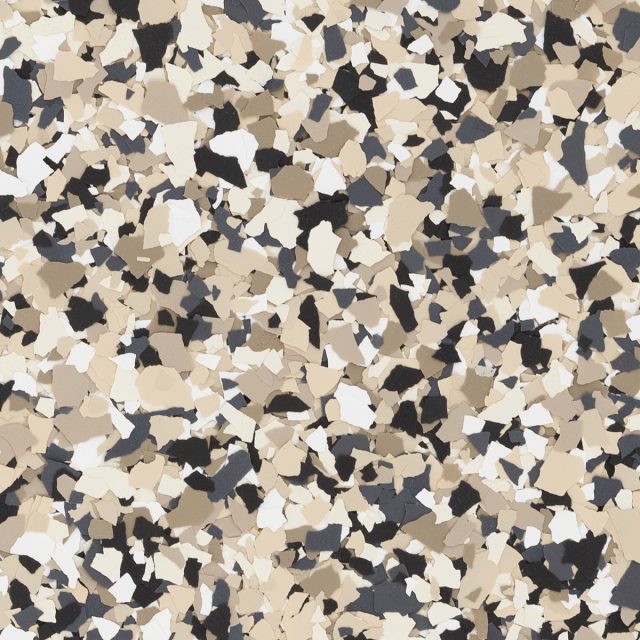
Loon
Flake Blend
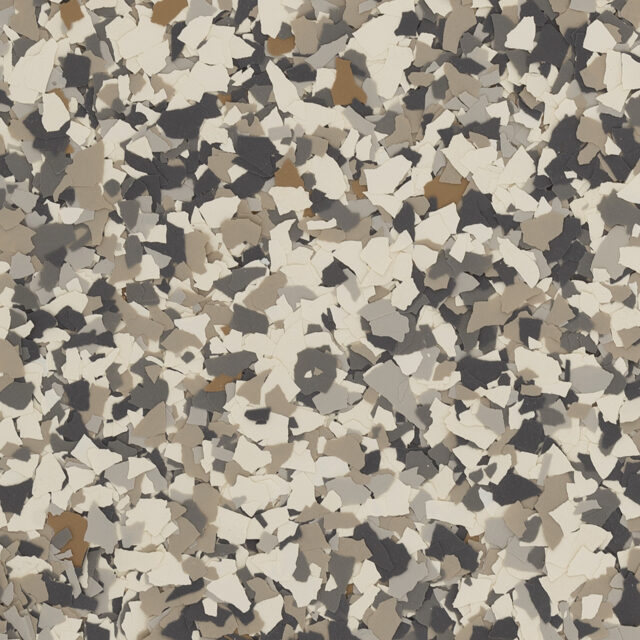
Mushroom
Flake Blend
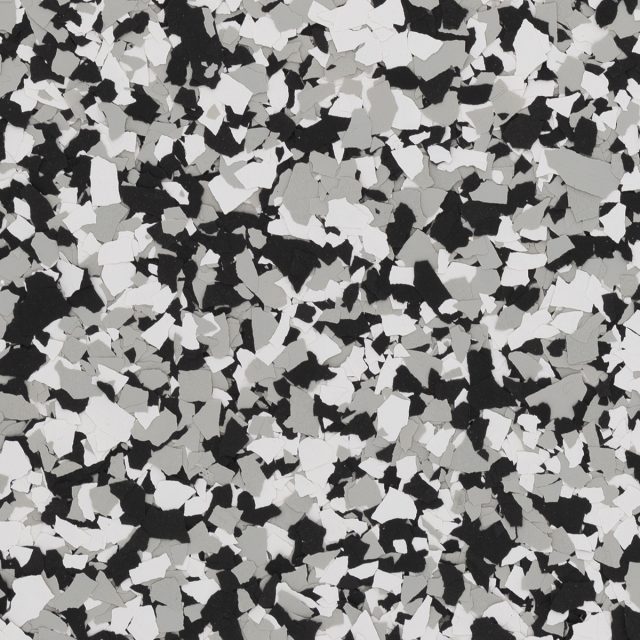
Domino
Flake Blend
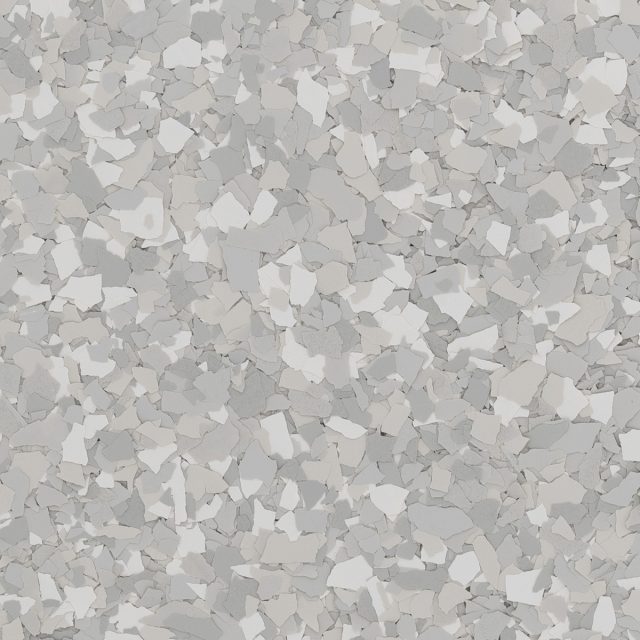
Moon Mist
Flake Blend
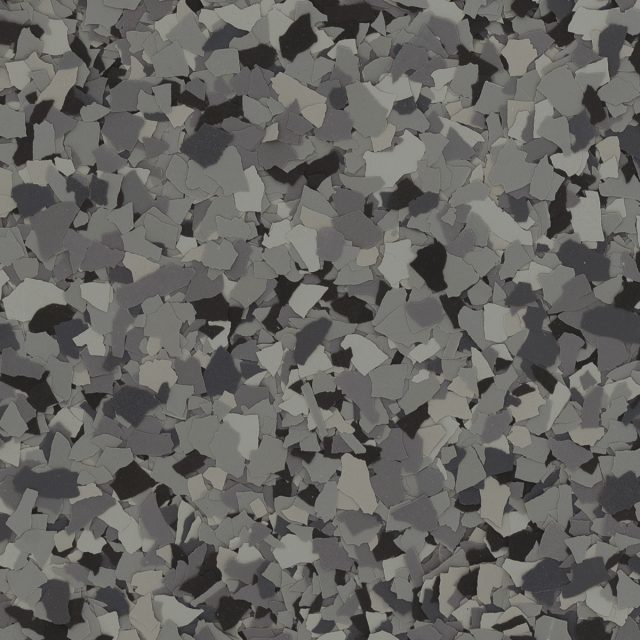
Nightfall
Flake Blend
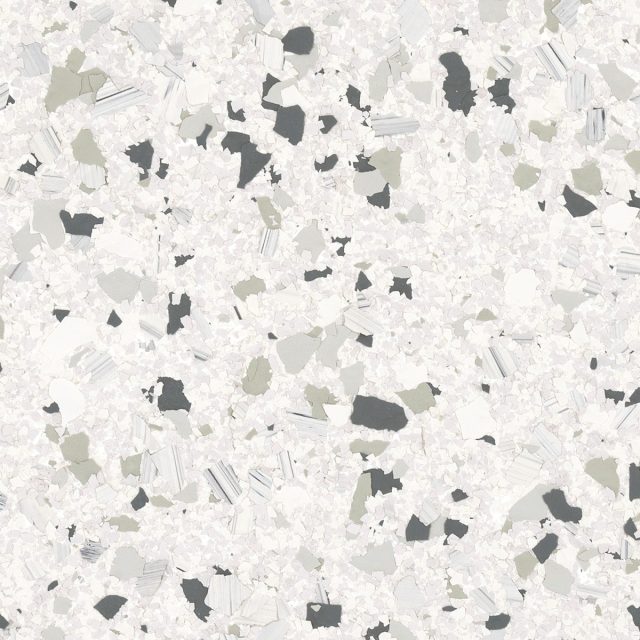
Juneau
Flake Blend
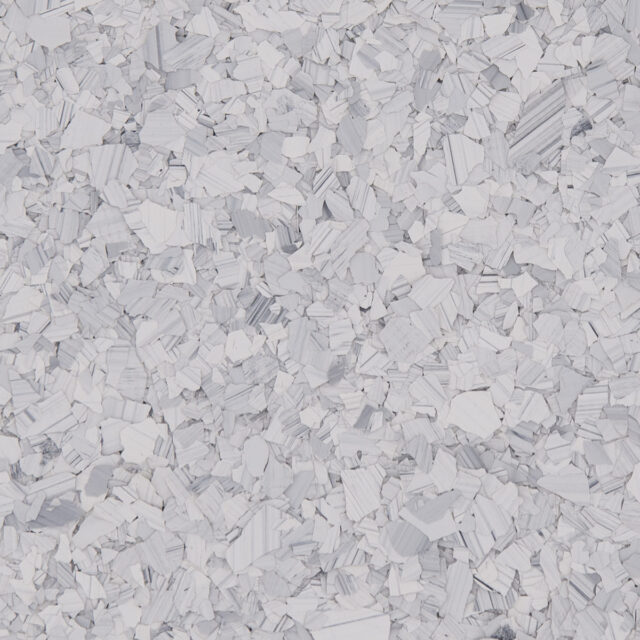
Schist
Flake Blend
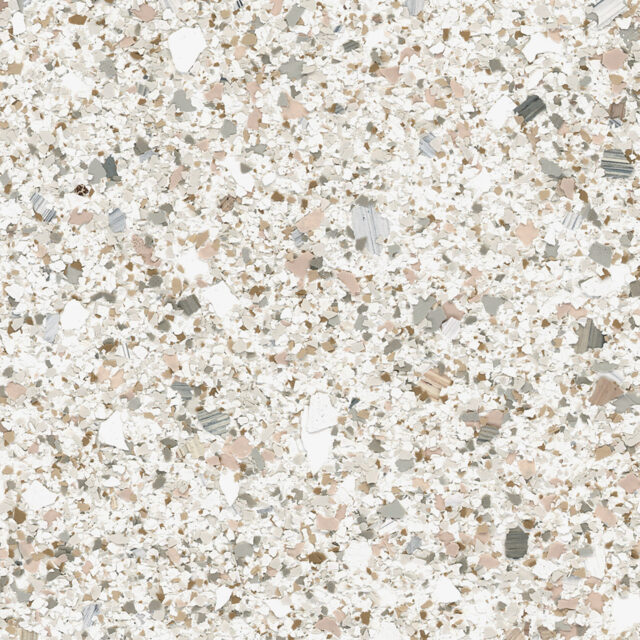
Sandstone
Flake Blend
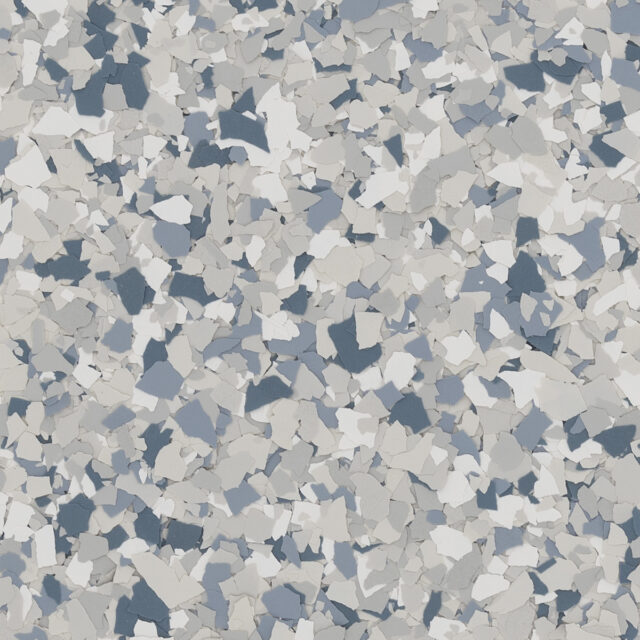
Tidal Wave
Flake Blend
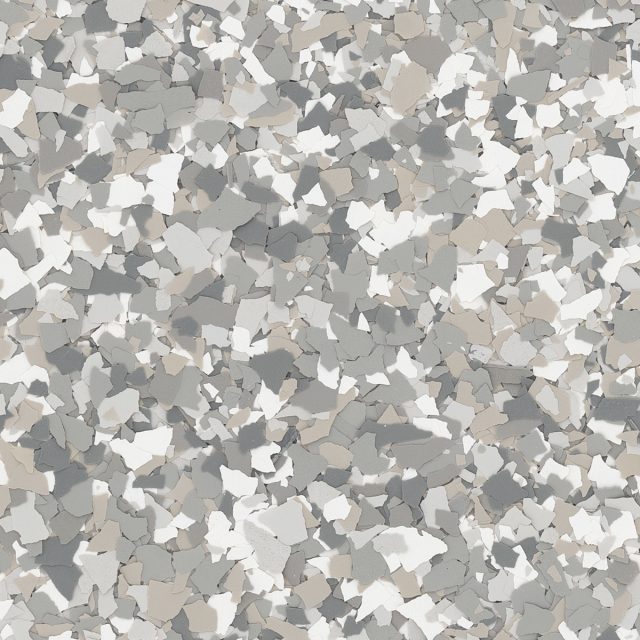
Stony Creek
Flake Blend
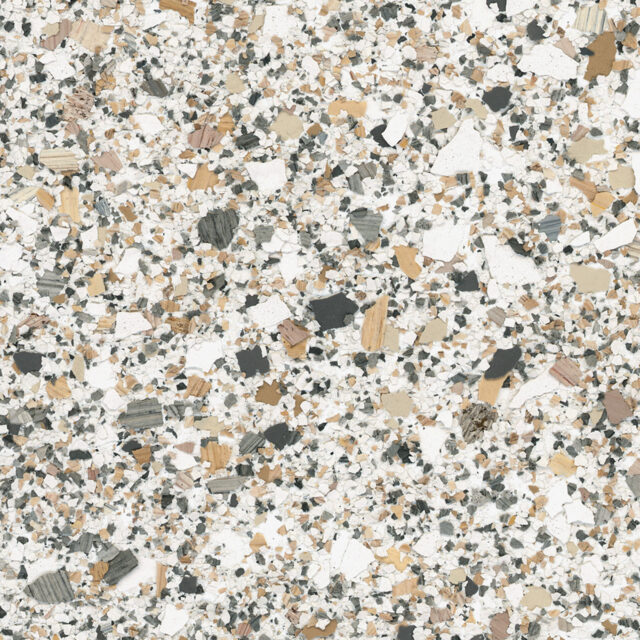
Claystone
Flake Blend
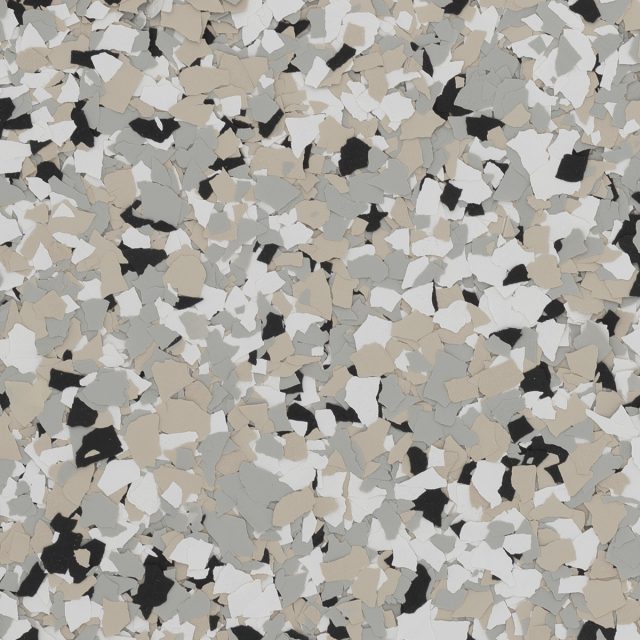
Cabin Fever
Flake Blend
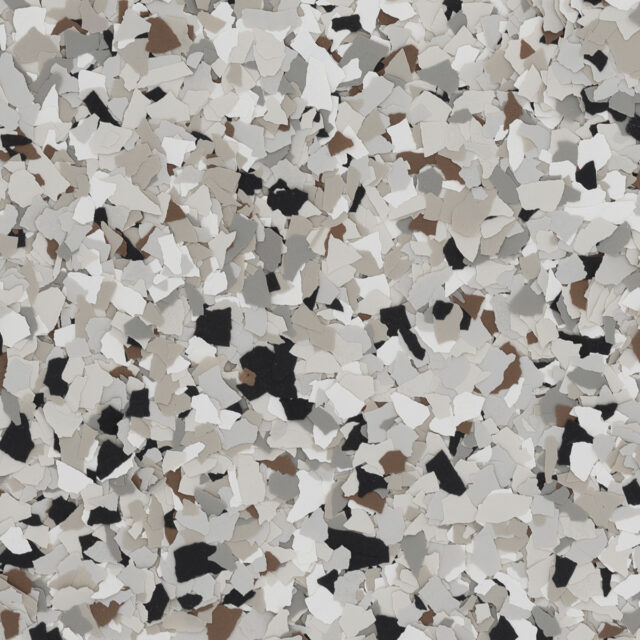
Coyote
Flake Blend
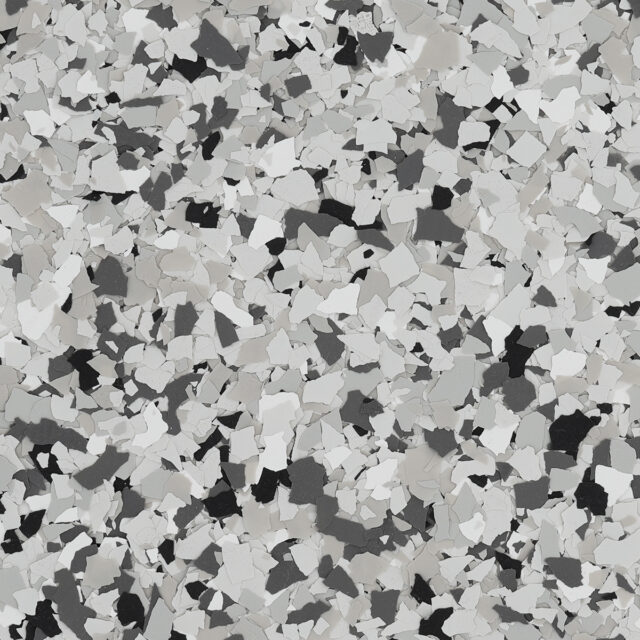
Gracious
Flake Blend
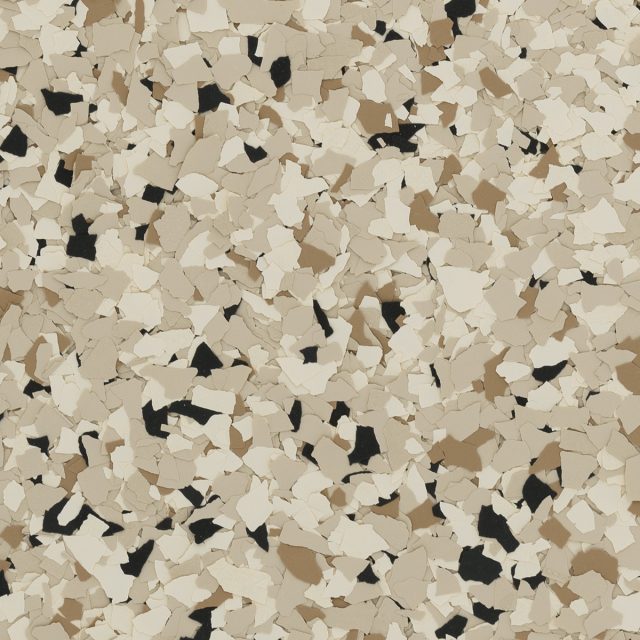
Shoreline
Flake Blend
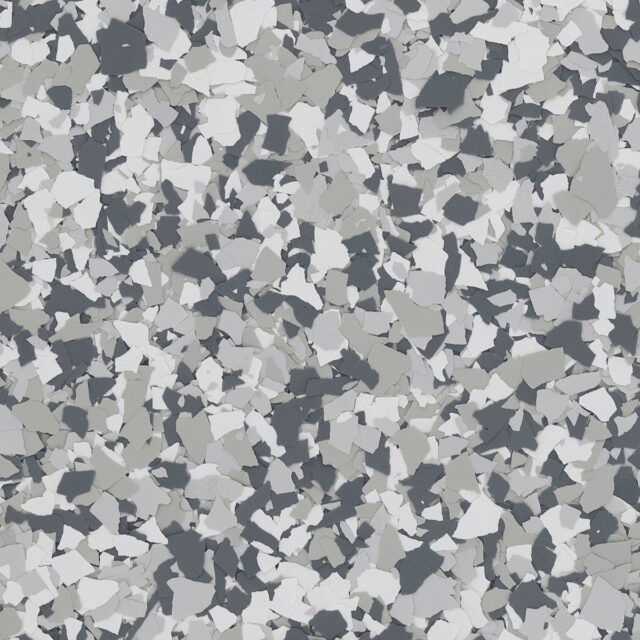
Gravel
Flake Blend
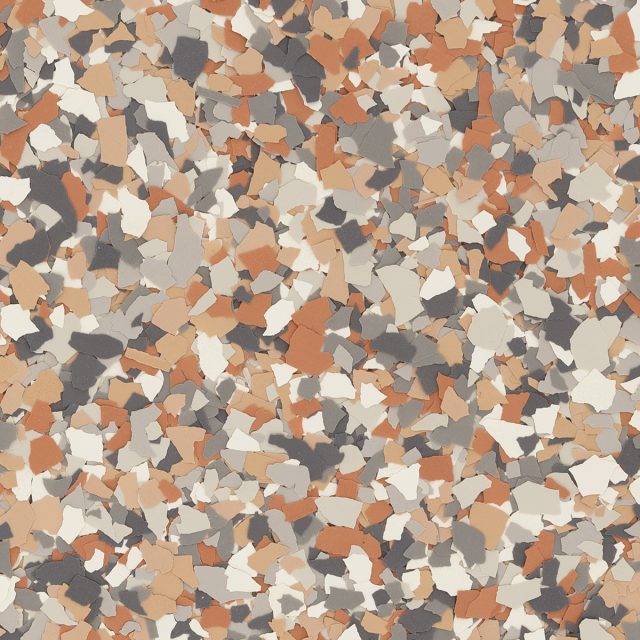
Waxwing
Flake Blend
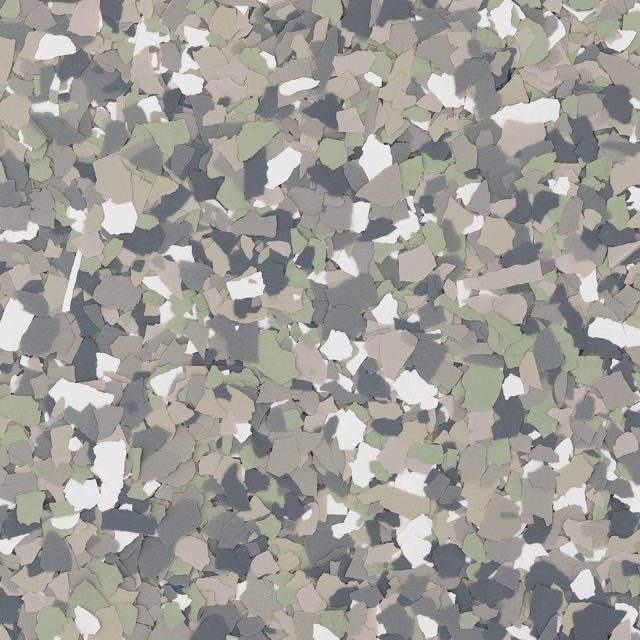
Thyme
Flake Blend
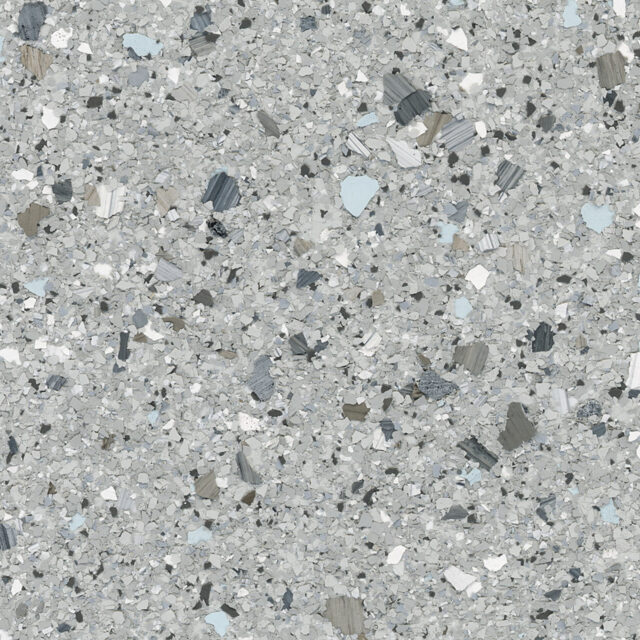
Agate
Flake Blend
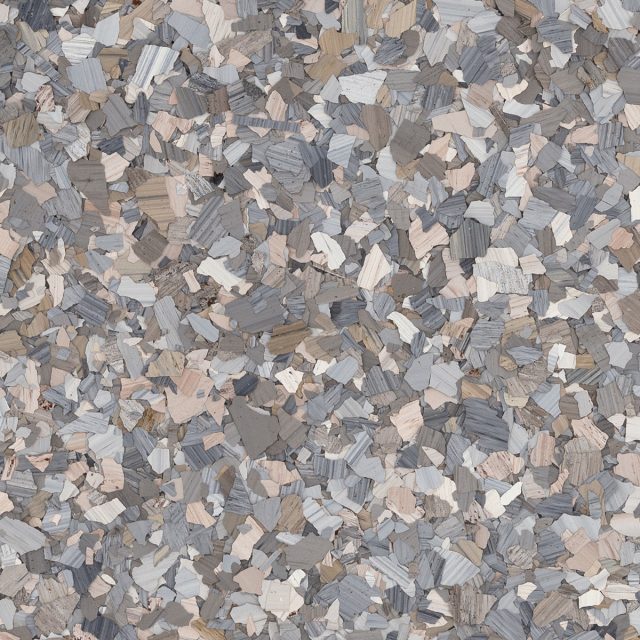
Sycamore
Flake Blend
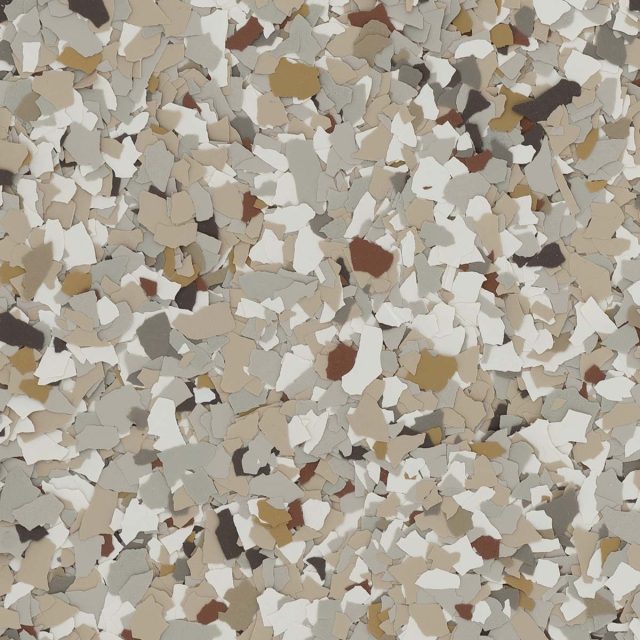
Creekbed
Flake Blend
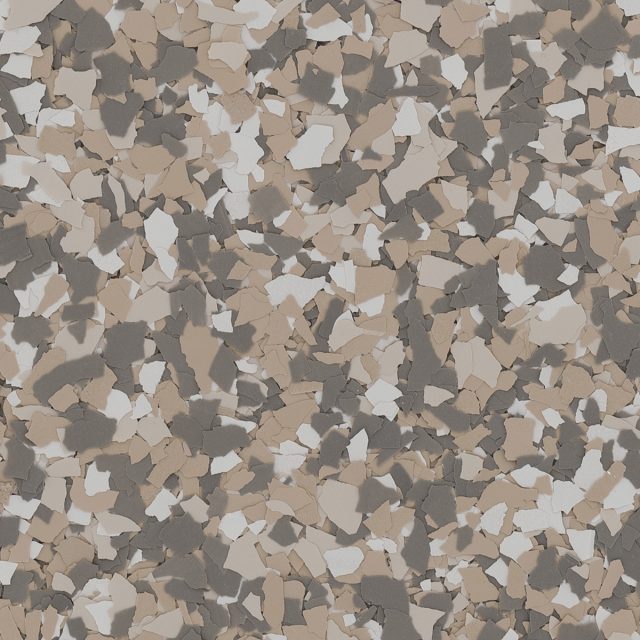
Madras
Flake Blend
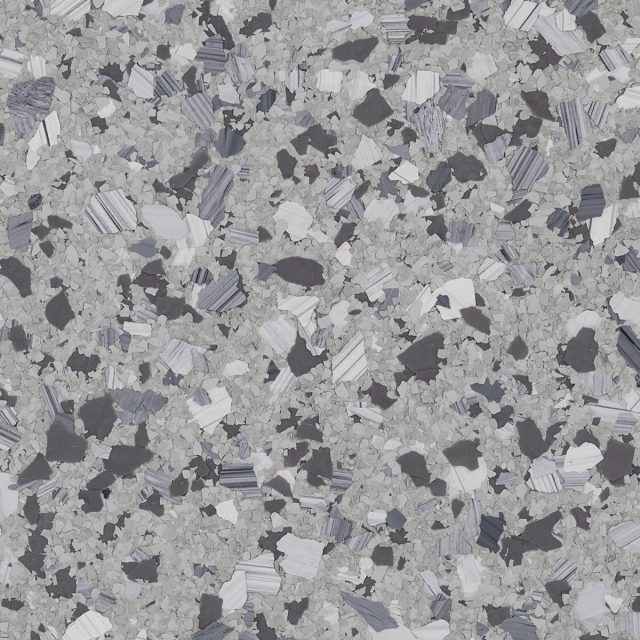
Husky
Flake Blend
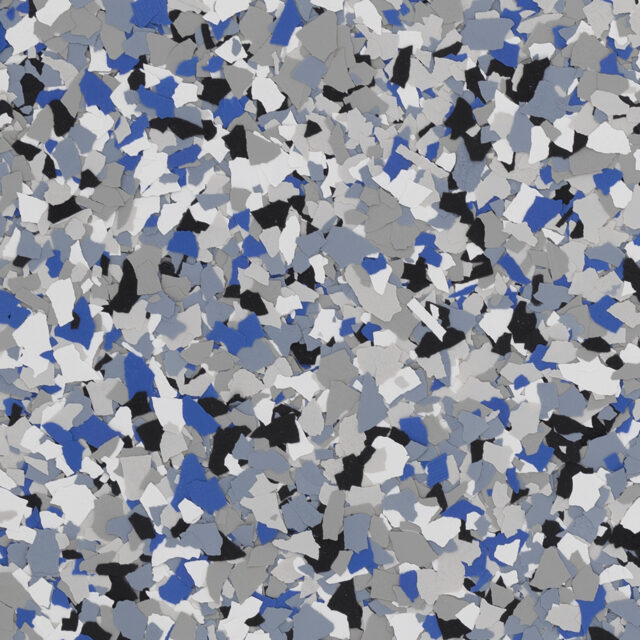
Comet
Flake Blend
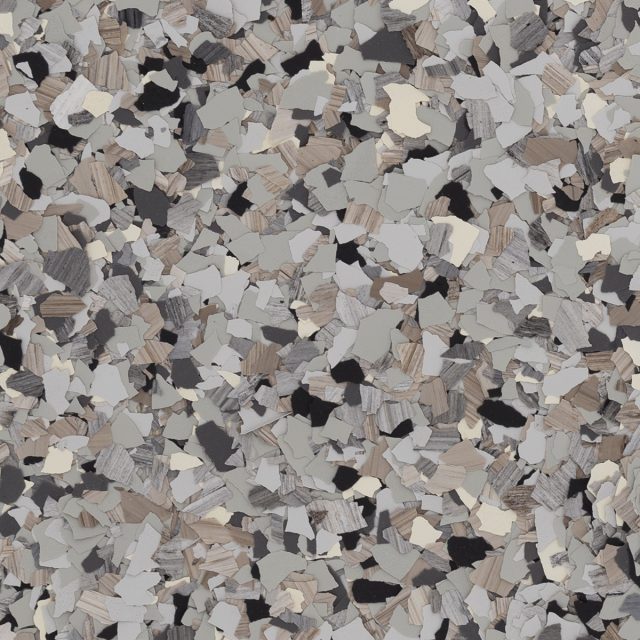
Keystone
Flake Blend
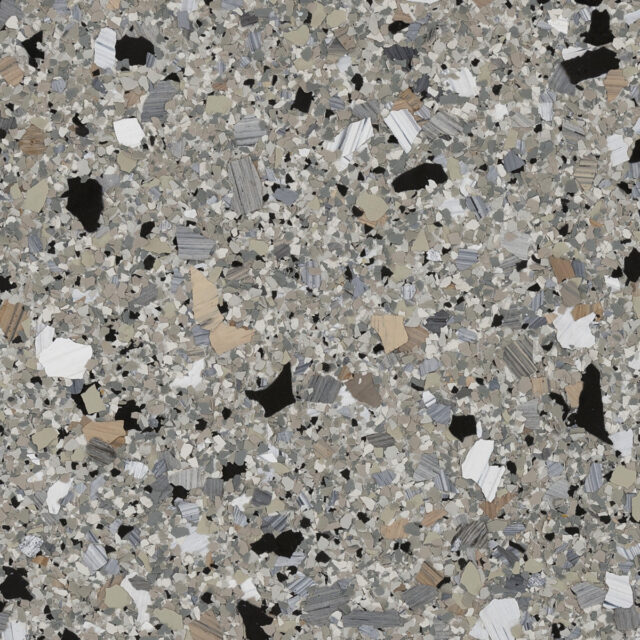
Shale
Flake Blend
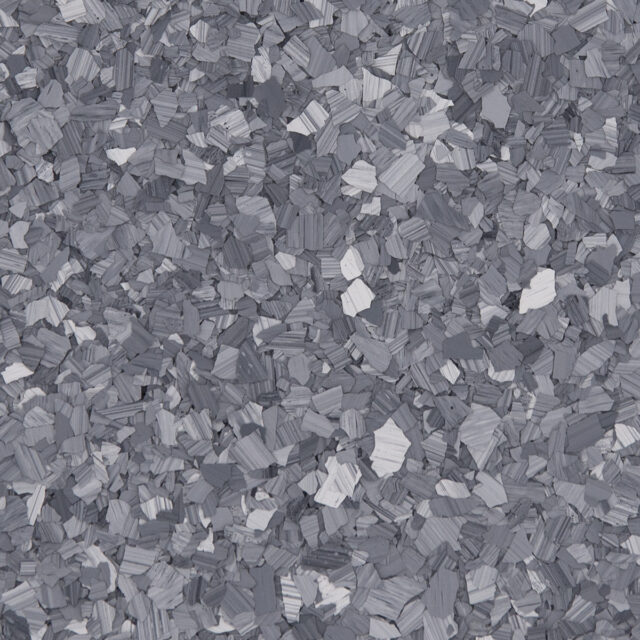
Basalt
Flake Blend
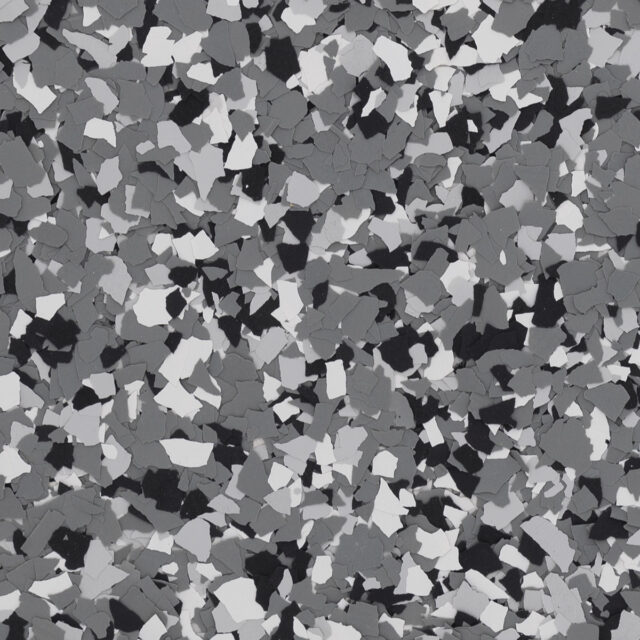
Wombat
Flake Blend
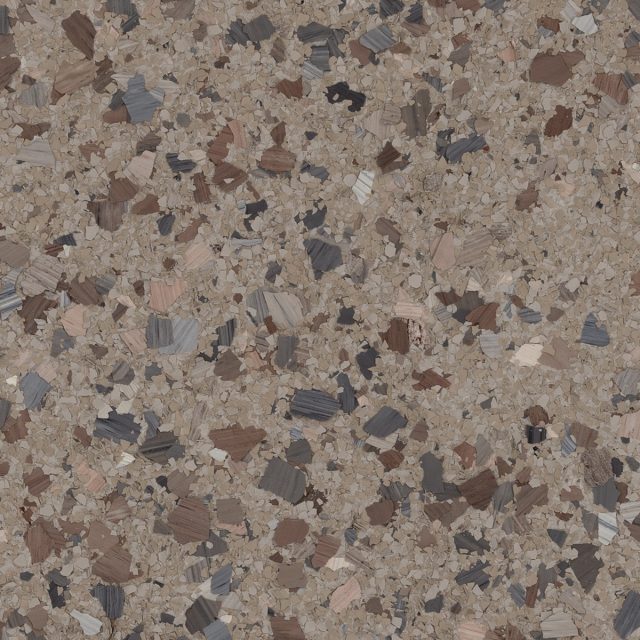
Armadillo
Flake Blend
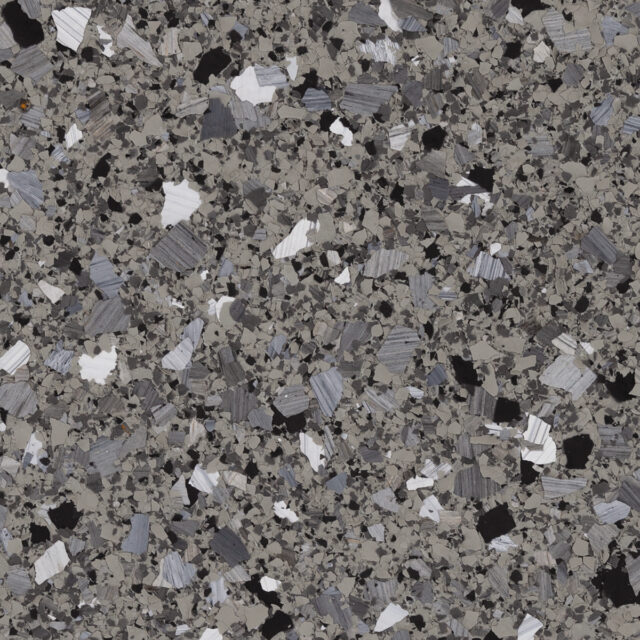
Slate
Flake Blend
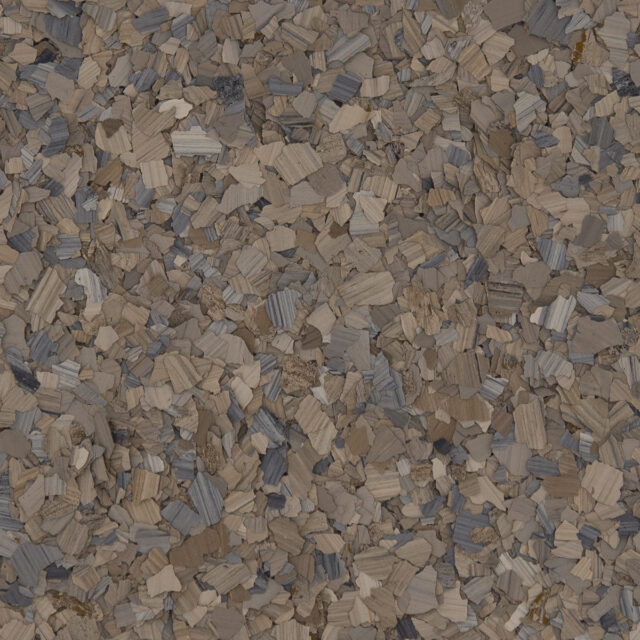
Obsidian
Flake Blend
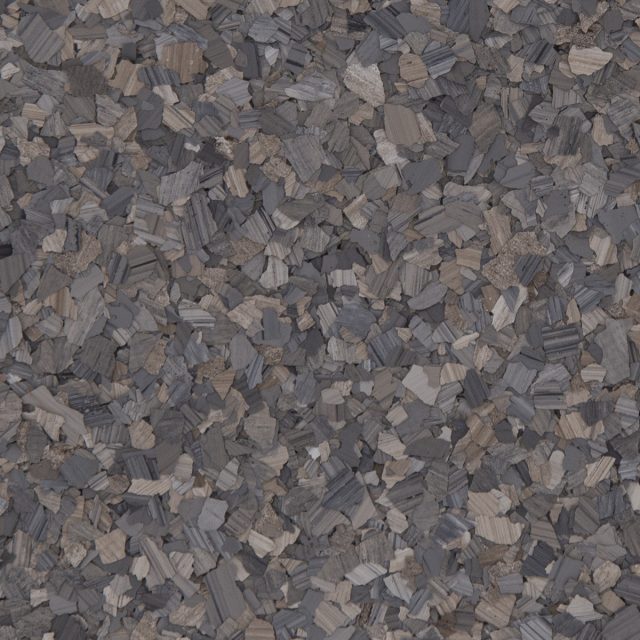
Dolerite
Flake Blend
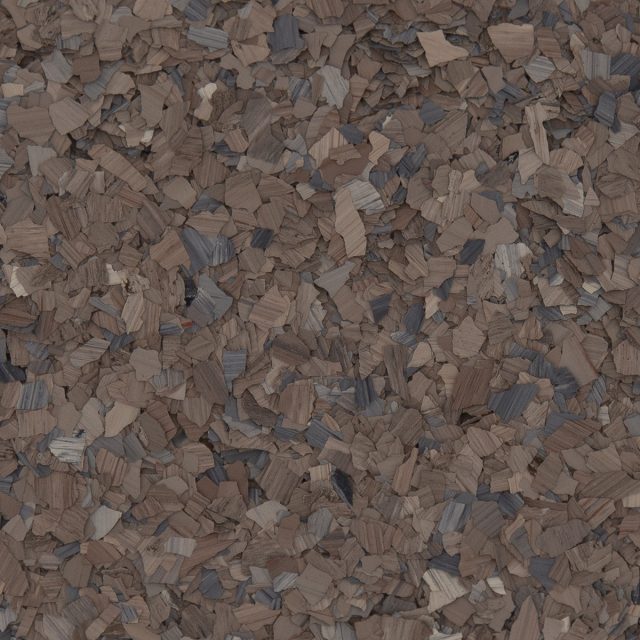
Garnet
Flake Blend
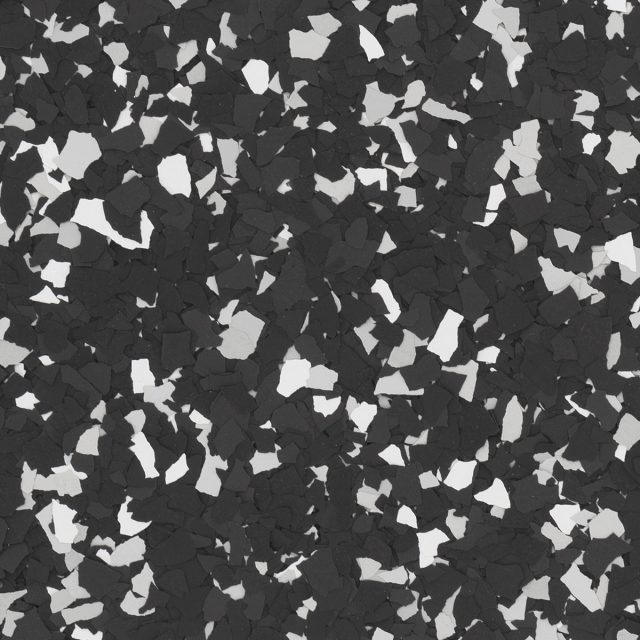
Raven
Flake Blend
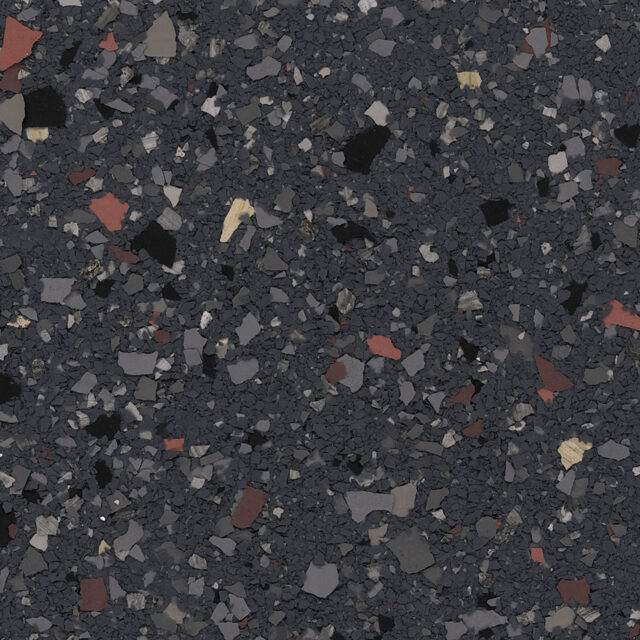
Blacktop
Flake Blend
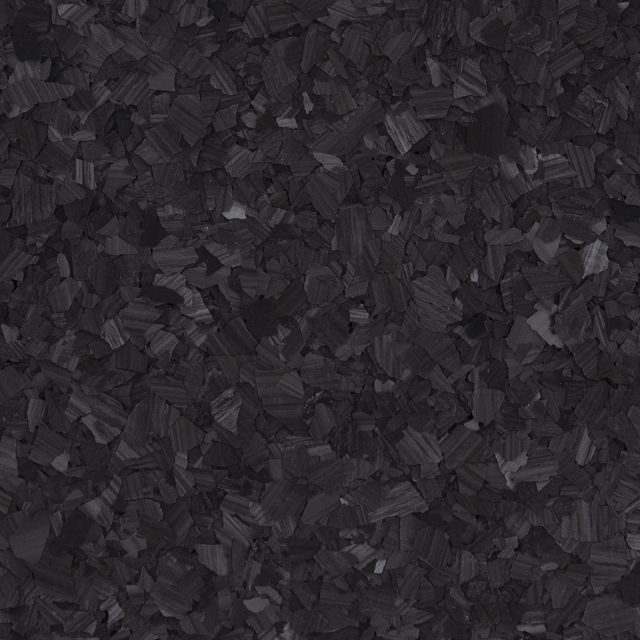
Carbon
Flake Blend
Light Gray
Solid
Gray
Solid
Dark Gray
Solid
41 blends shown
Metallic Coating (Optional)
Epoxy metallic pigment poured finishes
AI Metallic Color Finder
Describe a color or combo of colors, and AI will find it for you. If the color combo comes out wrong, try describing it in more detail and regenerate.
Wall Color (Optional)
RESIST & Broom Preview (Beta)
A deterministic preview computed on your own device from your own photo — no AI image generation and no photo upload. You draw the floor outline yourself, so the result is bound to what you actually select.
Beta preview — approximate
- Colour, grain and physical scale are approximate and uncalibrated. Owner live testing is still pending.
- This is not a product match, a calibration, or a promise of final appearance or performance.
- Scale comes from the approximate size you type, not from measuring the photo.
Silver Fox
- Source basis
- Original seeded procedural mineral pattern, approximate mean color informed by reference. No photographic patch pixels copied.
- Status
- New approximate procedural replacement; owner live testing pending
- Scale
- These units preserve the approved illustrative mapping only; not physical calibration.
1 · Your photo
JPG, PNG or WebP. The photo stays on your device and is never uploaded: it is decoded in this browser, the rotation stored in the file is respected, the shape is preserved, and the first trial preview is capped at 1000px on the longest edge. A separate untouched copy is kept for the before/after view.
Reading the photo happens on this device only. Nothing is sent to a server and no AI service is called.
2 · Finish
Only the finish you pick is downloaded and decoded — never all nine at once. Illustrative texture window for this colour: about 12.6 × 9.4 ft.
3 · Manual masking
You outline the surfaces yourself: nothing here reuses a packaged scene outline, and nothing is painted outside the outlines you confirm. Multiple planes are separate outlines — give each step or riser its own, since a single outline cannot describe a change of slope. Scale is your typed approximate size, not a measurement of the photo, so grain size is illustrative.
Choose a photo first, then draw your outlines on it.
Surfaces
Every surface is its own reviewed outline with its own approximate size. Add a section for each step or riser face — they are rendered independently and never inherit the floor's geometry.
Tap four corners to outline this surface.
Protected objects
Outline anything the coating must not cover — posts, drains, equipment feet, a parked car. Nothing is ever painted inside these areas.
No exclusion areas yet.
4 · Generate
Rendering runs on your own device, so how long it takes varies with your device and the size of your photo. No AI-generation credits are used and no paid service is called.
Downloads use the finished preview only — never a pending render or a selector label. Saving to your gallery is not available in this beta: doing it safely would need a public copy of your photo and a change to the gallery records, so this preview stays local and you download the file instead.
See Your Garage Floor Coating Before You Choose
Upload a photo of your garage and preview popular coating colors and decorative flake blends before requesting your estimate.
Upload Your Photo
Take a photo of your garage floor, interior room, or exterior — then upload it. The clearer and less cluttered the photo, the better your results.
How It Works
Preview Your Coat Goat Floor Before We Install It
Customize your garage floor color, flake style, and finish — then preview how it could look before we show up with the coating truck.
Upload a photo
Your garage, room, or exterior
Choose your color
Base coat + flake blend
Generate preview
AI applies your selections
Request estimate
Send your look to Coat Goat
Upload Your Space
Take a photo or upload an image of the area you want to transform
Poly Flake & Solid Blends
Feldspar
Flake Blend
Outback
Flake Blend
Loon
Flake Blend
Mushroom
Flake Blend
Domino
Flake Blend
Moon Mist
Flake Blend
Nightfall
Flake Blend
Juneau
Flake Blend
Schist
Flake Blend
Sandstone
Flake Blend
Tidal Wave
Flake Blend
Stony Creek
Flake Blend
Claystone
Flake Blend
Cabin Fever
Flake Blend
Coyote
Flake Blend
Gracious
Flake Blend
Shoreline
Flake Blend
Gravel
Flake Blend
Waxwing
Flake Blend
Thyme
Flake Blend
Agate
Flake Blend
Sycamore
Flake Blend
Creekbed
Flake Blend
Madras
Flake Blend
Husky
Flake Blend
Comet
Flake Blend
Keystone
Flake Blend
Shale
Flake Blend
Basalt
Flake Blend
Wombat
Flake Blend
Armadillo
Flake Blend
Slate
Flake Blend
Obsidian
Flake Blend
Dolerite
Flake Blend
Garnet
Flake Blend
Raven
Flake Blend
Blacktop
Flake Blend
Carbon
Flake Blend
Light Gray
Solid
Gray
Solid
Dark Gray
Solid
41 blends shown
Metallic Coating (Optional)
Epoxy metallic pigment poured finishes
AI Metallic Color Finder
Describe a color or combo of colors, and AI will find it for you. If the color combo comes out wrong, try describing it in more detail and regenerate.
Wall Color (Optional)
RESIST & Broom Preview (Beta)
A deterministic preview computed on your own device from your own photo — no AI image generation and no photo upload. You draw the floor outline yourself, so the result is bound to what you actually select.
Beta preview — approximate
- Colour, grain and physical scale are approximate and uncalibrated. Owner live testing is still pending.
- This is not a product match, a calibration, or a promise of final appearance or performance.
- Scale comes from the approximate size you type, not from measuring the photo.
Silver Fox
- Source basis
- Original seeded procedural mineral pattern, approximate mean color informed by reference. No photographic patch pixels copied.
- Status
- New approximate procedural replacement; owner live testing pending
- Scale
- These units preserve the approved illustrative mapping only; not physical calibration.
1 · Your photo
JPG, PNG or WebP. The photo stays on your device and is never uploaded: it is decoded in this browser, the rotation stored in the file is respected, the shape is preserved, and the first trial preview is capped at 1000px on the longest edge. A separate untouched copy is kept for the before/after view.
Reading the photo happens on this device only. Nothing is sent to a server and no AI service is called.
2 · Finish
Only the finish you pick is downloaded and decoded — never all nine at once. Illustrative texture window for this colour: about 12.6 × 9.4 ft.
3 · Manual masking
You outline the surfaces yourself: nothing here reuses a packaged scene outline, and nothing is painted outside the outlines you confirm. Multiple planes are separate outlines — give each step or riser its own, since a single outline cannot describe a change of slope. Scale is your typed approximate size, not a measurement of the photo, so grain size is illustrative.
Choose a photo first, then draw your outlines on it.
Surfaces
Every surface is its own reviewed outline with its own approximate size. Add a section for each step or riser face — they are rendered independently and never inherit the floor's geometry.
Tap four corners to outline this surface.
Protected objects
Outline anything the coating must not cover — posts, drains, equipment feet, a parked car. Nothing is ever painted inside these areas.
No exclusion areas yet.
4 · Generate
Rendering runs on your own device, so how long it takes varies with your device and the size of your photo. No AI-generation credits are used and no paid service is called.
Downloads use the finished preview only — never a pending render or a selector label. Saving to your gallery is not available in this beta: doing it safely would need a public copy of your photo and a change to the gallery records, so this preview stays local and you download the file instead.